
From Reader to Player: How Knowledge.Dev Became an AI Teaching System
The platform evolved from a browser-based reader into a terminal-native player that pairs with your AI agent to teach engineering through real projects
Last year we launched a browser-based reader for step-by-step courses. It worked, but kept you switching between the browser and your IDE. We've replaced it with something fundamentally different.
The Player
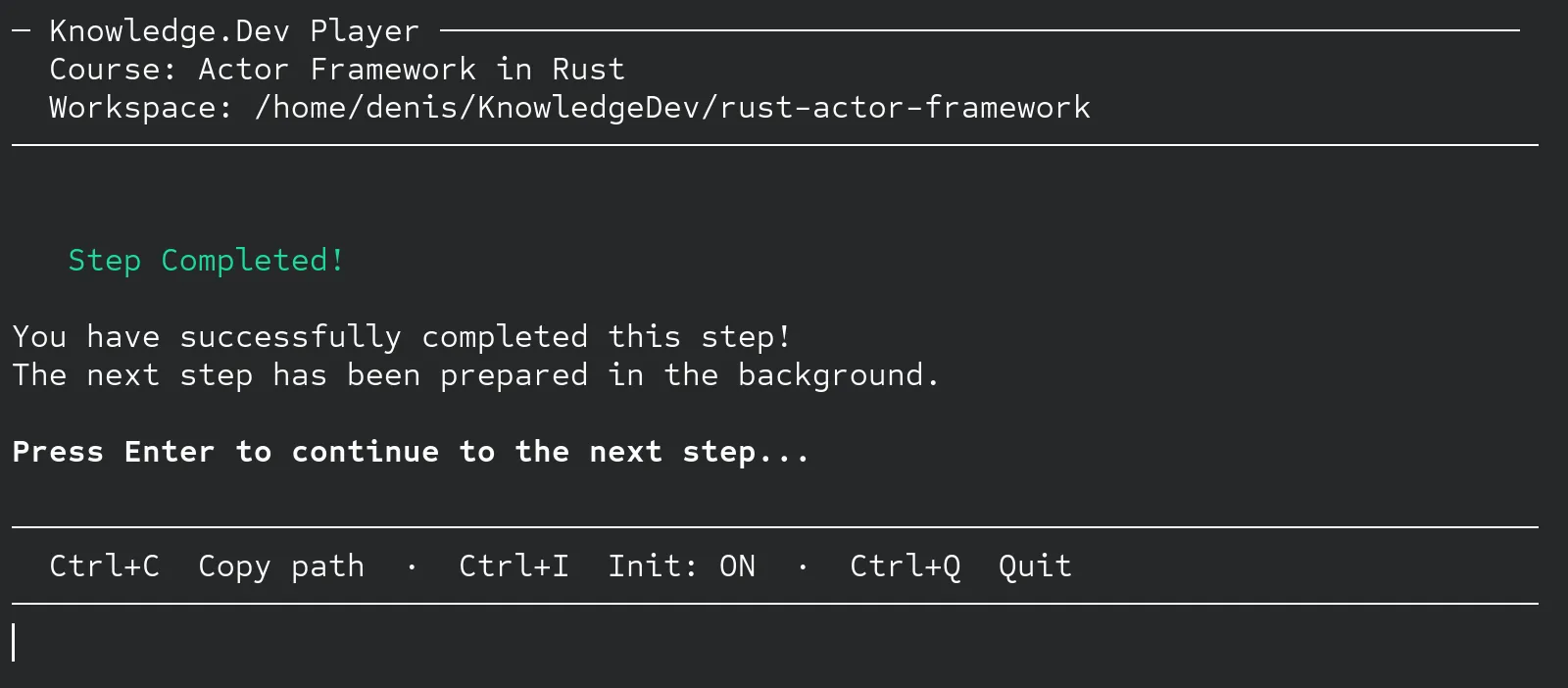
The Reader is gone. In its place is the Player - a terminal app that sets up a workspace and orchestrates your learning session together with your AI agent.
cargo install knowledgeOnce installed, pick a playground and start learning:
knowledge play <playground-id>The Player prepares your workspace: starting code in implementation/, reference solution in reference/, and course materials in tasks/. Then it waits for your AI agent to connect.
AI Agent as Your Mentor
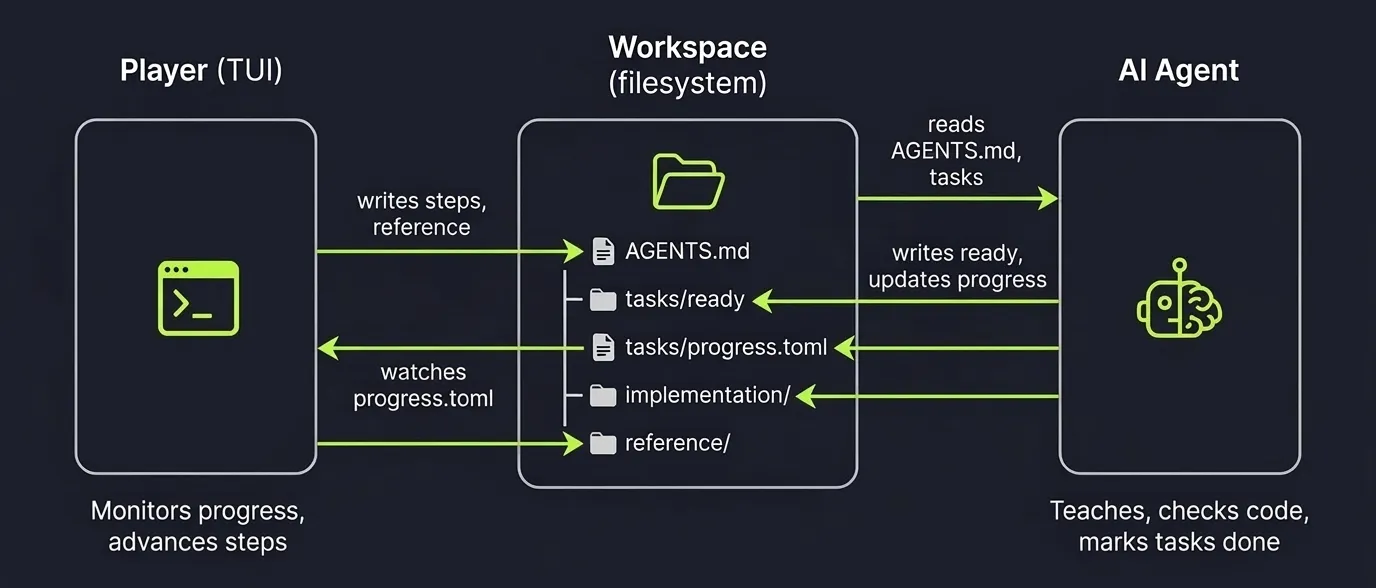
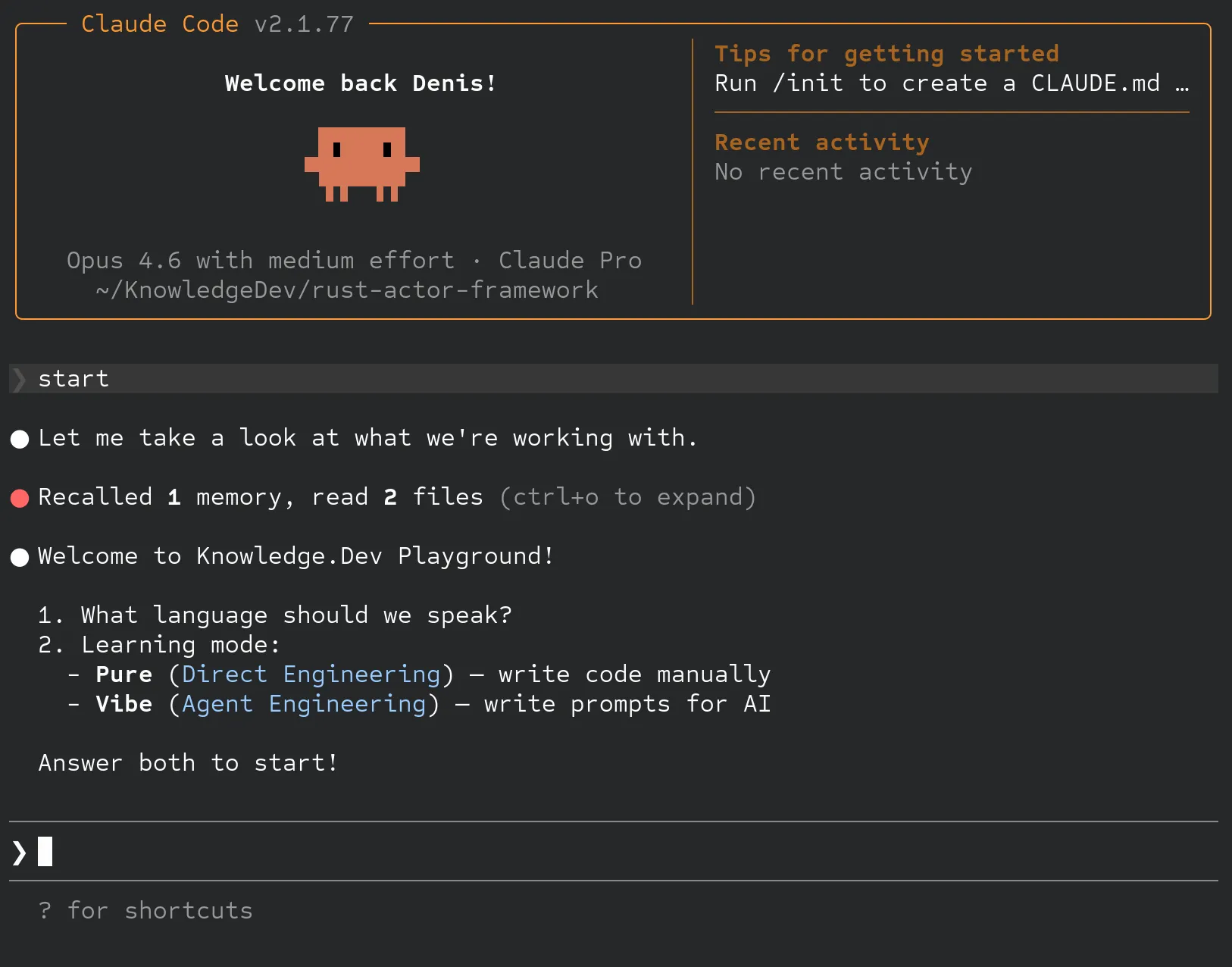
The biggest change: the Player communicates with your AI coding agent through the filesystem. You open the workspace in Claude Code, Cursor, or any AI tool that can read files. The AI picks up AGENTS.md, asks you two questions (language and learning mode), and the lesson begins.
No browser tabs, no APIs. Just files on disk that both the Player and your AI agent read and write. The Player watches progress.toml in real time - when the AI marks all tasks as done, the next step loads automatically.
Two Learning Modes
Direct Engineering (Pure) - You write code yourself. The AI mentors you, explains concepts, and compares your work against the reference.
Agent Engineering (Vibe) - You write prompts, not code. The AI teaches you to instruct it effectively until the generated code matches the reference.
Evolution Format
Courses are packaged as .evo archives - compressed files containing the entire course: initial project, step-by-step patches, theory, tasks, and AI prompts. Each course starts as a git repository where every commit is a step, then gets compiled into an .evo file.
Nine Playgrounds and Growing
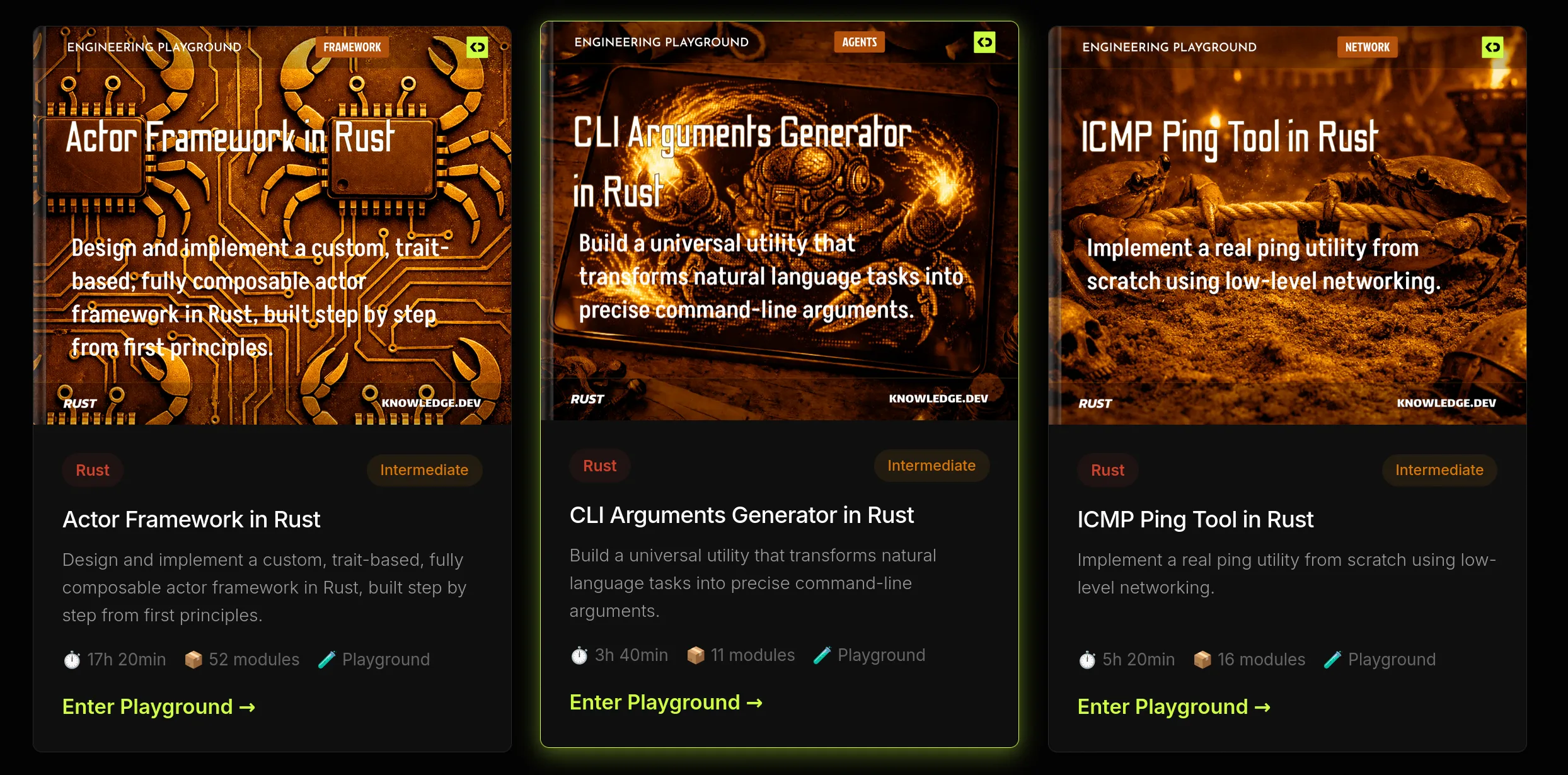
The library now includes nine hands-on playgrounds focused on Rust and AI systems - from building an actor framework (52 modules) and neural networks to microservices with axum and CLI tools with LLM integration. Each is a complete project you build from zero to a working application.
Free and PRO
All playgrounds are accessible for free with the web-based player. PRO ($8/month or $80/year) unlocks the CLI Player with full AI agent integration.
The core idea is the same: learn by building real applications, step by step. But now your AI agent is part of the process - teaching, checking, and advancing the course as you go.
Explore the playgrounds and start building.


